You finish a presentation, send it off, and the reply comes back: “Can you send a PDF?”
Happens all the time. People without PowerPoint can’t open it. WPS might mess up the layout. Opening it on a phone? Good luck. PDF is different — works on anything, looks the same everywhere.
So converting PPT to PDF is basically standard practice before sharing files.
Use PDFNeo PPT to PDF. A few steps and you’re done:
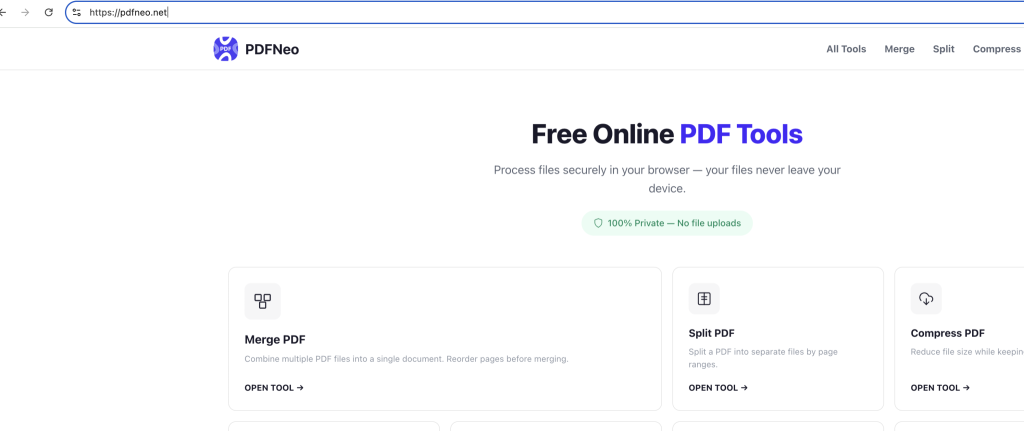
1. Open the page
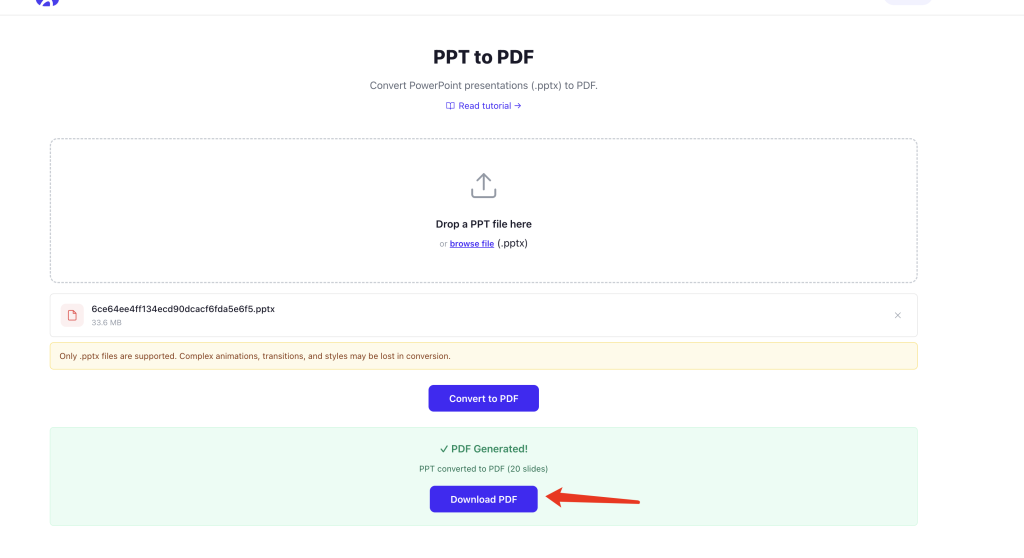
Go to PDFNeo PPT to PDF. Clean upload area, no popups, no ads.
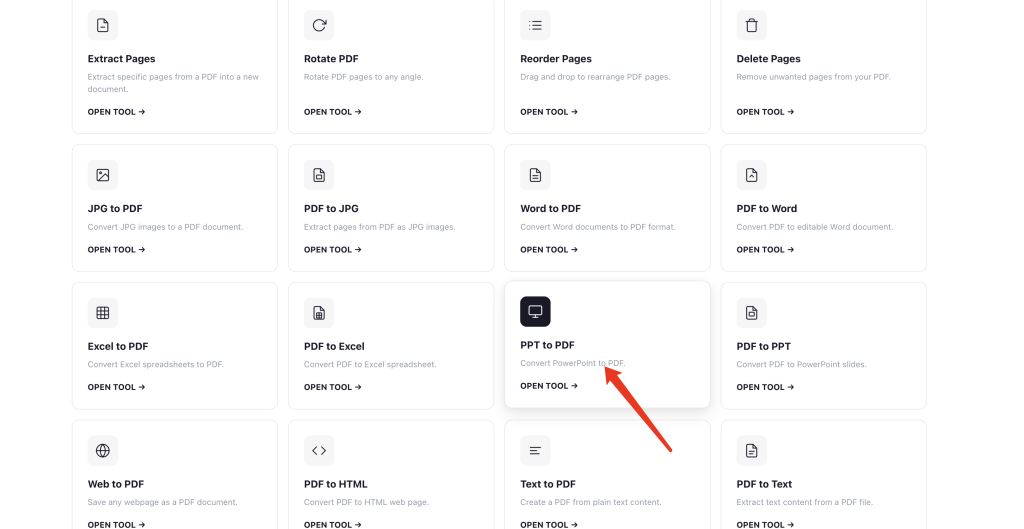
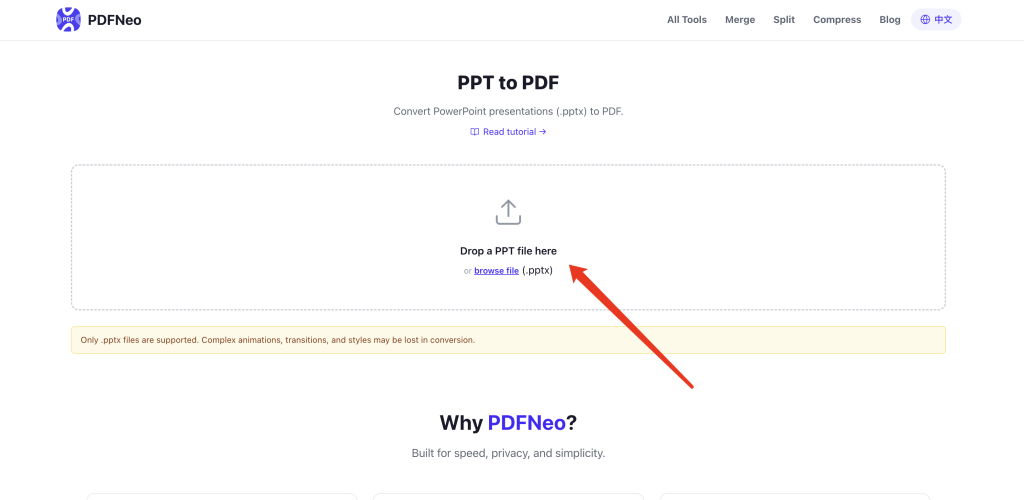
2. Drop your file in
Drag your .pptx file onto the upload area, or click to browse. Only .pptx is supported — the old .ppt format won’t work.
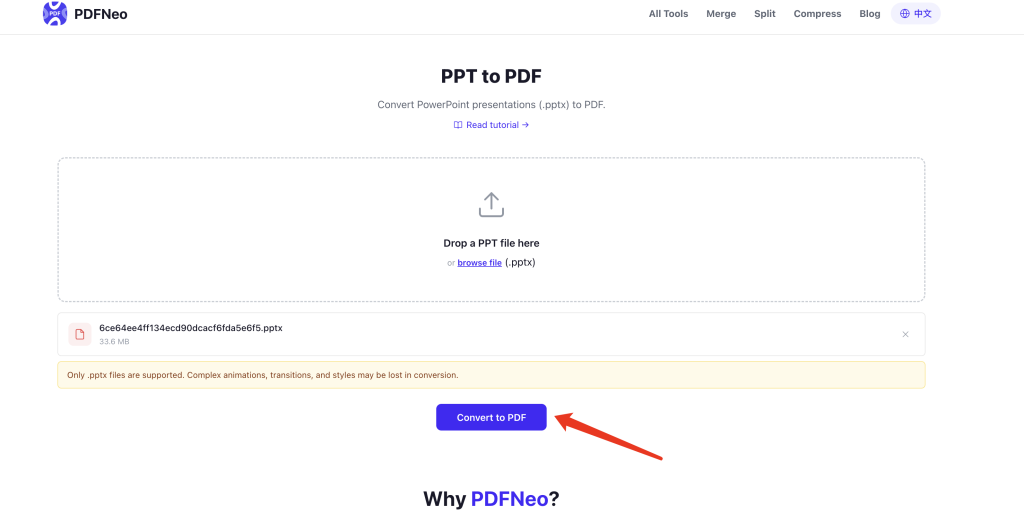
3. Hit convert
Click the button, wait a few seconds. It all runs locally in your browser, nothing gets uploaded.
4. Download your PDF
Download it right away. Text, images, layout — basically what you saw in PowerPoint. If your PPT is 16:9, the PDF is 16:9. 4:3? Same thing. No weird white borders, nothing squished. Animations and transitions are gone, obviously — PDF doesn’t do those.
The PDF doesn’t match my PPT?
Most of the time it will. Text plus images plus simple layouts come out clean. But sometimes you might notice a few things off:
Font changed — you used a niche font in your PPT, and the system falls back to a default one. The PDF might show Arial instead of what you picked. Fix: embed fonts before converting, or stick to system fonts from the start.
Animated slides missing content — if a slide relies on animations to reveal content layer by layer, the PDF only captures the bottom layer. Not a bug, PDF just doesn’t have animations. If you need everything visible, split those animations into separate slides first.
SmartArt sometimes warps — deeply nested SmartArt might look off in the PDF. Simple ones are usually fine.
Honestly though, most presentations are just text and images — company reports, class assignments, product intros. They convert without a hitch.
What if I don’t have PowerPoint?
The “proper” way is to open PowerPoint and export as PDF. But that assumes you have PowerPoint.
Plenty of people don’t. You might be on a Mac with only Keynote. Maybe your work computer only has WPS. Maybe you’re on a Chromebook with nothing installed. PDFNeo just needs a browser — Chrome, Safari, Firefox, Edge, even your phone.
Besides, firing up a heavy app just to convert a file, waiting for it to load, clicking through menus… why not just do it in 30 seconds in your browser?
Privacy
Presentations often have stuff you don’t want sitting on someone else’s server — business plans, pricing, internal data.
PDFNeo processes everything locally in your browser. Nothing gets uploaded. Close the tab and it’s gone. Nobody’s keeping a copy.
That’s it: open PDFNeo PPT to PDF, drop your file in, convert, download. No software, no signup, no uploads. Done.
More tools
- Word to PDF — Word docs need converting too
- PDF to JPG — Export each PDF page as an image
- Compress PDF — PDF too big? Shrink it down
- Rotate PDF — Pages facing the wrong way
- Merge PDF — Combine multiple PDFs into one