You’ve got a PDF that used to be a PowerPoint — and now you need to edit it. But PDFs don’t let you do that.
Happens more often than you’d think. Someone sent you a proposal as PDF and you want to tweak a few slides. An old project’s presentation only exists as PDF. You downloaded a template but it’s PDF-only. That’s when you need to convert it back to PPT so you can actually work with it.
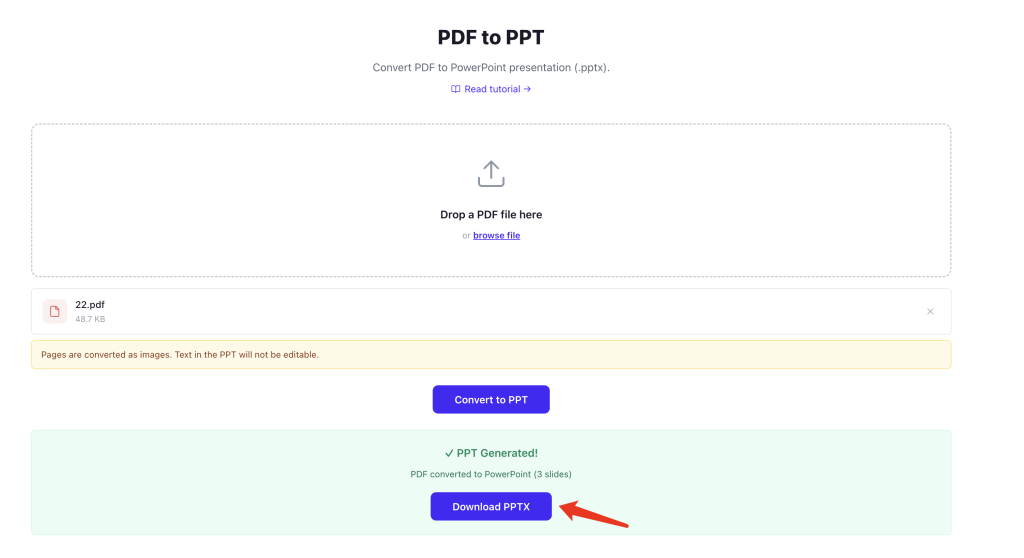
Use PDFNeo PDF to PPT. A few steps and you’re done:
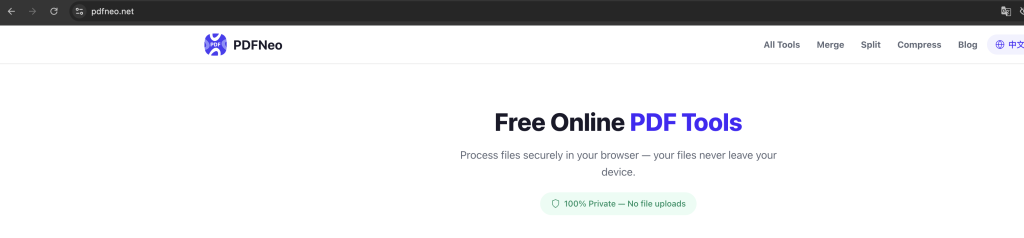
1. Open the page
Go to PDFNeo PDF to PPT. Upload area right there, no clutter.
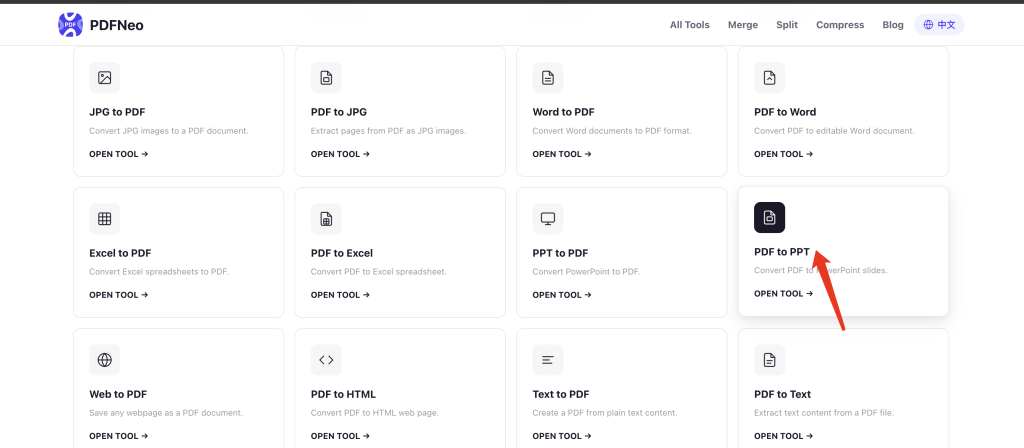
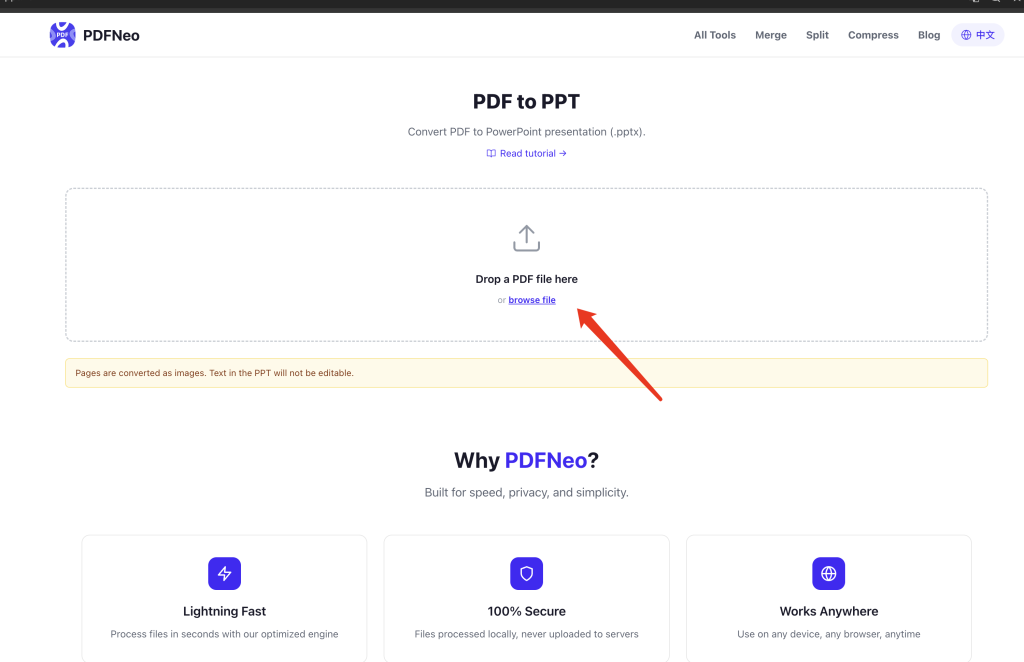
2. Drop your file in
Drag your PDF onto the upload area, or click to browse.
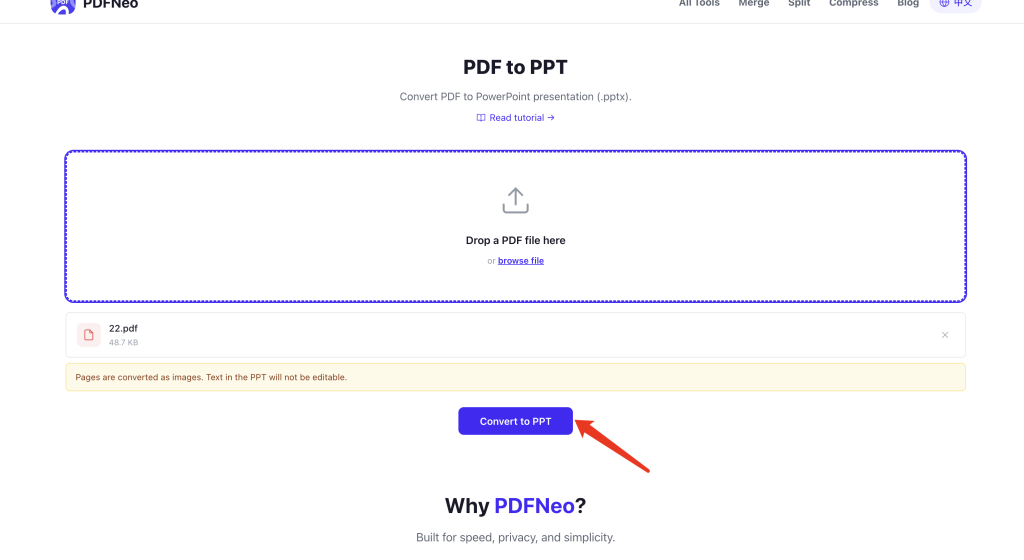
3. Hit convert
Click the button and wait a bit. This one’s slower than PPT-to-PDF because it has to parse the PDF content back into PPT elements — text boxes, images, shapes, all that.
4. Download your PPT
Grab the .pptx file, open it in PowerPoint or WPS, and start editing.
Can I use the result as-is?
Honestly, depends on what the original PDF looks like.
If the PDF was exported directly from PowerPoint without any compression or processing, the conversion comes out pretty decent — text is text, images are images, things mostly line up.
But if it’s a scanned document, screenshots stitched together, or a compressed PDF where every page became an image — the converted PPT will just have one big image per slide. You can see the content, but you can’t select or edit the text because it’s not text anymore. It’s just a picture.
A few other things to expect:
Layout shifts — PDF uses fixed coordinates, PPT uses element positioning. Different logic. Text positions and font sizes might need tweaking after conversion.
Font mismatches — whatever fonts are embedded in the PDF, whether your computer has them or not, affects how things look. Missing fonts get swapped out.
Complex graphics won’t come back — fancy vector art, gradients, shadows in the PDF will probably turn into basic shapes or flat images in the PPT.
So the most practical use case: you have a PDF and want to tweak some text, rearrange slides, swap out an image. A perfect 1:1 restoration? Not realistic — PDF already lost a lot of PPT’s editing info.
Compared to copy-pasting manually
Before tools like this existed, what were your options? Open the PDF, screenshot each page, paste into PowerPoint, one by one. Or retype and re-layout everything from scratch.
PDF to PPT at least saves you that step — content, layout, and images are all placed for you. You just fine-tune. Way faster than starting from zero.
Privacy
Same as every PDFNeo tool — everything runs locally in your browser. Nothing uploaded, nothing stored. Close the tab and it’s gone.
Open PDFNeo PDF to PPT, drop your PDF in, convert, download .pptx. No software, no signup, no uploads.
More tools
- PPT to PDF — The other way around
- PDF to Word — Convert PDF to editable Word
- PDF to Excel — Pull table data out of PDFs
- PDF to JPG — Export each page as an image
- Compress PDF — Shrink a bloated PDF