EPUB is the standard ebook format, but sharing it is a pain. Most people don’t have an EPUB reader on their computer. Phones might not have one either. Send someone an EPUB and they can’t open it — awkward. PDF? Opens everywhere.
Plus, PDF has a fixed layout. EPUB reflows to fit whatever screen it’s on — sometimes you just want the original layout, not a reshuffled version.
Use PDFNeo EPUB to PDF. A few steps and you’re done:
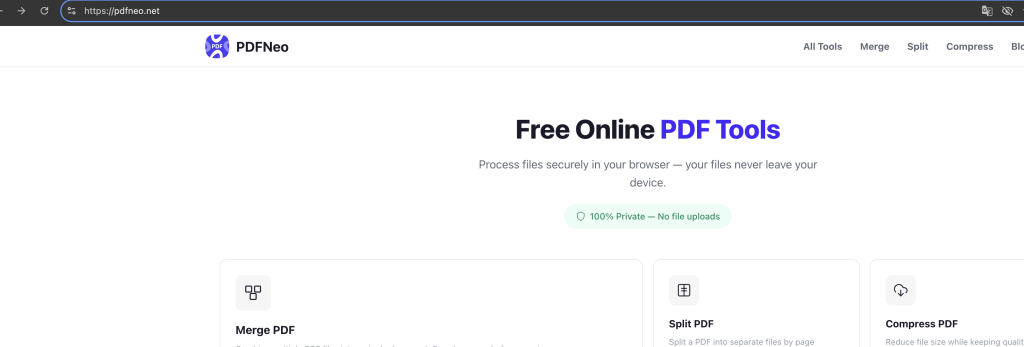
1. Open the page
Go to PDFNeo EPUB to PDF. Upload area right there.
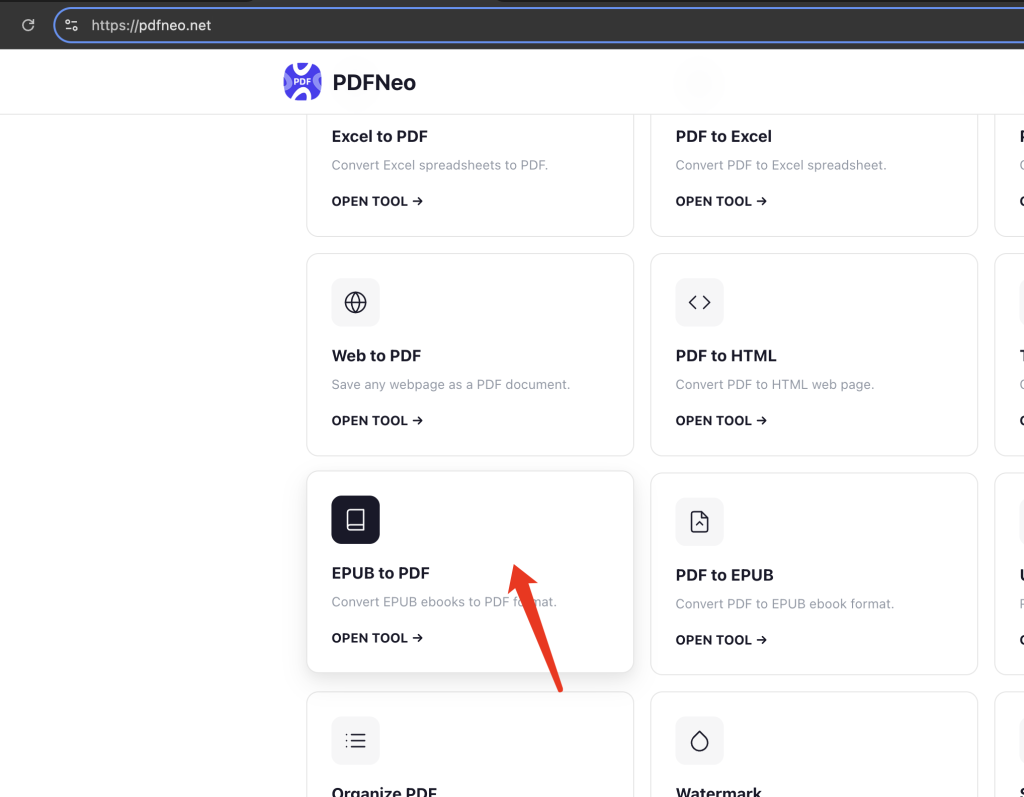
2. Upload your EPUB
Drag in an .epub file, or click to browse. After uploading, the tool automatically detects and lists the chapters.
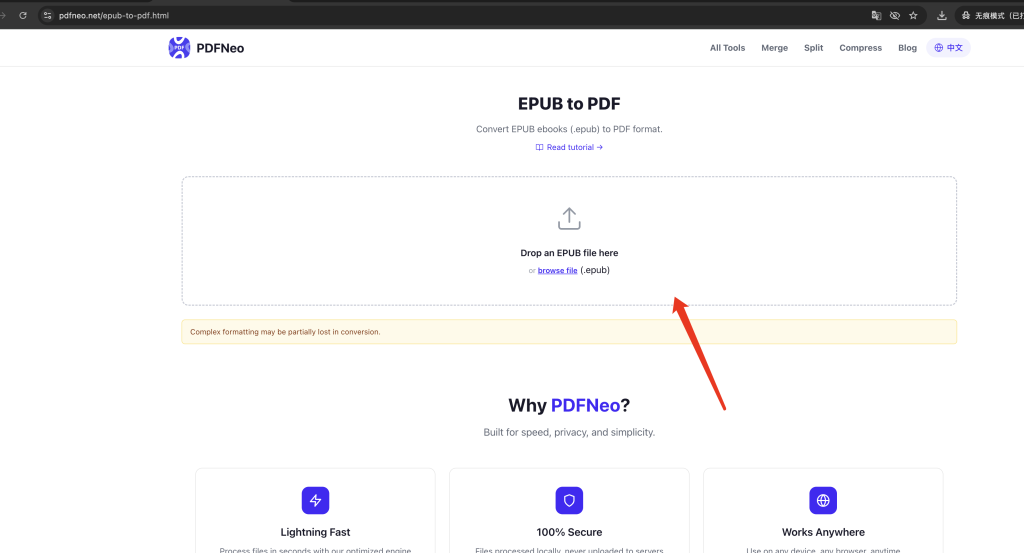
3. Check the chapters
You’ll see a list of chapters found in the book. Make sure everything looks right.
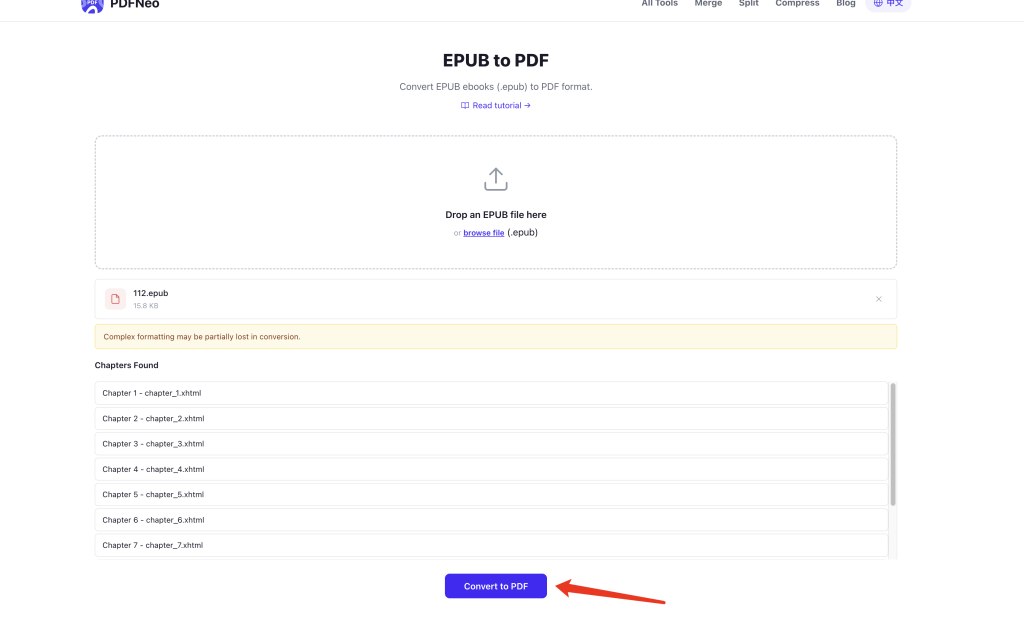
4. Convert and download
Click “Convert to PDF” and wait. Larger books might take a few seconds to a dozen seconds. Download when it’s done.
How does the result look?
EPUB and PDF use completely different layout logic. EPUB is reflowable — content adapts to the screen. PDF is fixed — a page is a page. So the conversion won’t be pixel-perfect.
Text content — mostly preserved. Chapter order is correct. Body text, headings, paragraphs all come through fine.
Images — embedded images are kept as much as possible, but their positions might not match the original exactly.
Layout — EPUB’s adaptive layout gets converted to fixed PDF pages. Fonts, sizes, and spacing use defaults. If you changed font sizes in your reader, the PDF won’t reflect those changes.
Complex formatting — EPUBs with tables, footnotes, or special layouts might have some misalignment. The yellow note on the page says it too: “Complex formatting may be partially lost in conversion.”
Novels and text-heavy nonfiction — these convert well since they’re mostly plain text. Illustrated magazines or textbooks with mixed layouts, not as clean.
When you’d actually use this
Sharing ebooks — send someone an EPUB and they can’t open it. Send a PDF and they’re good.
Printing — PDF has stable fixed layout for printing. EPUB printing often looks weird.
No reader app — don’t have Calibre, Apple Books, or any EPUB reader installed? PDF opens in any browser.
Archiving — PDFs are easier to organize and archive. EPUBs need special software just to open.
Privacy
Everything runs locally in your browser. Your ebook never gets uploaded to any server. Close the tab and it’s gone.
Open PDFNeo EPUB to PDF, upload your EPUB, convert, download PDF. No software, no signup, no uploads.
More tools
- PDF to EPUB — The other way around
- Word to PDF — Convert Word documents to PDF
- HTML to PDF — Convert HTML to PDF
- Text to PDF — Create PDF from plain text
- Merge PDF — Combine multiple PDFs into one