Got some HTML code or an HTML file and want to turn it into a PDF — no software to install, no command line tinkering, just do it in your browser.
Whether you’re a front-end dev checking how a page renders, building an email template and need a PDF preview, or just received an HTML file you’d rather have as PDF — this tool handles it.
Use PDFNeo Web to PDF. A few steps and you’re done:
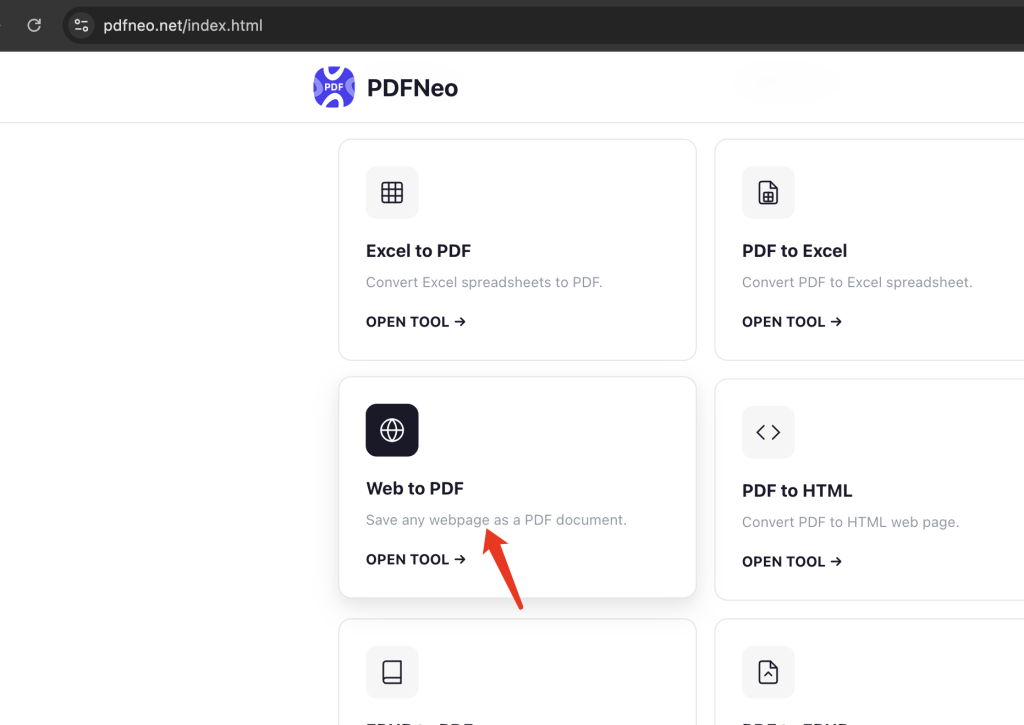
1. Open the page
Go to PDFNeo Web to PDF. Clean interface, two input methods — pick whichever works for you.
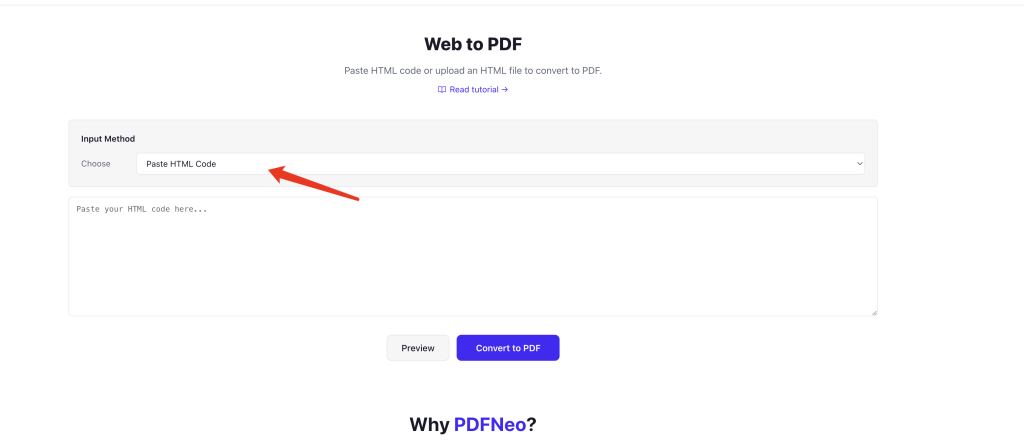
2. Provide your HTML
Two options:
- Paste code — drop your HTML straight into the text box. Good for when you have a code snippet on hand.
- Upload file — drag in a .html or .htm file. Good for local files you already have saved.
3. Preview (optional)
Hit “Preview” to see how it renders before converting. Better to catch layout issues now than after the PDF is generated.
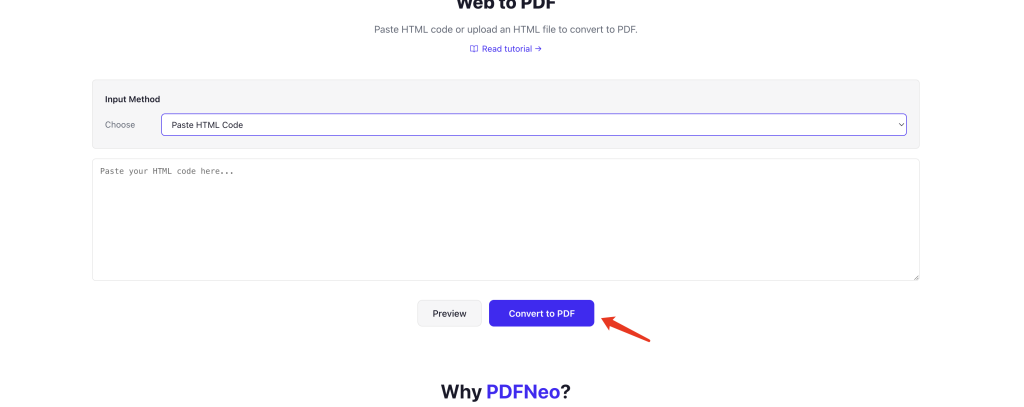
4. Convert and download
Click “Convert to PDF”, wait a few seconds, and download. Everything runs locally in your browser — nothing gets uploaded.
What does the result look like?
Pretty much what the HTML looks like when you open it in a browser — text, images, layout, styles all preserved.
A few things to keep in mind:
External resources might not load — if your HTML references external CSS, fonts, or images with local paths or cross-origin restrictions, they probably won’t show up in the PDF. Safest approach: inline your CSS in style tags, use base64 or absolute URLs for images.
JavaScript doesn’t execute — the converter doesn’t run JS, so anything dynamically generated by scripts won’t appear. If you need the full rendered content, run the page in your browser first, then copy the final HTML source.
Complex layouts may shift — HTML’s flexible layout and PDF’s fixed pages follow different rules. Deeply nested flex layouts and the like might come out slightly off.
Simple pages, email templates, document-style HTML — these all convert cleanly, no issues.
When you’d actually use this
Front-end development — wrote a page and want to see the PDF output without taking a long screenshot.
Email templates — generate a PDF preview of an HTML email before sending it to clients or teammates.
Local HTML files — downloaded an HTML file but would rather view and share it as a PDF.
Document output — some tools generate reports in HTML format. Converting to PDF makes archiving easier.
Privacy
Everything runs locally in your browser. Your HTML code never gets uploaded to any server. Close the tab and it’s gone.
Open PDFNeo Web to PDF, paste code or upload a file, preview, convert, download. No software, no signup, no uploads.
More tools
- Word to PDF — Convert Word documents to PDF
- PPT to PDF — Convert presentations to PDF
- JPG to PDF — Combine images into one PDF
- PDF to JPG — Export PDF pages as images
- Merge PDF — Combine multiple PDFs into one